
Overview
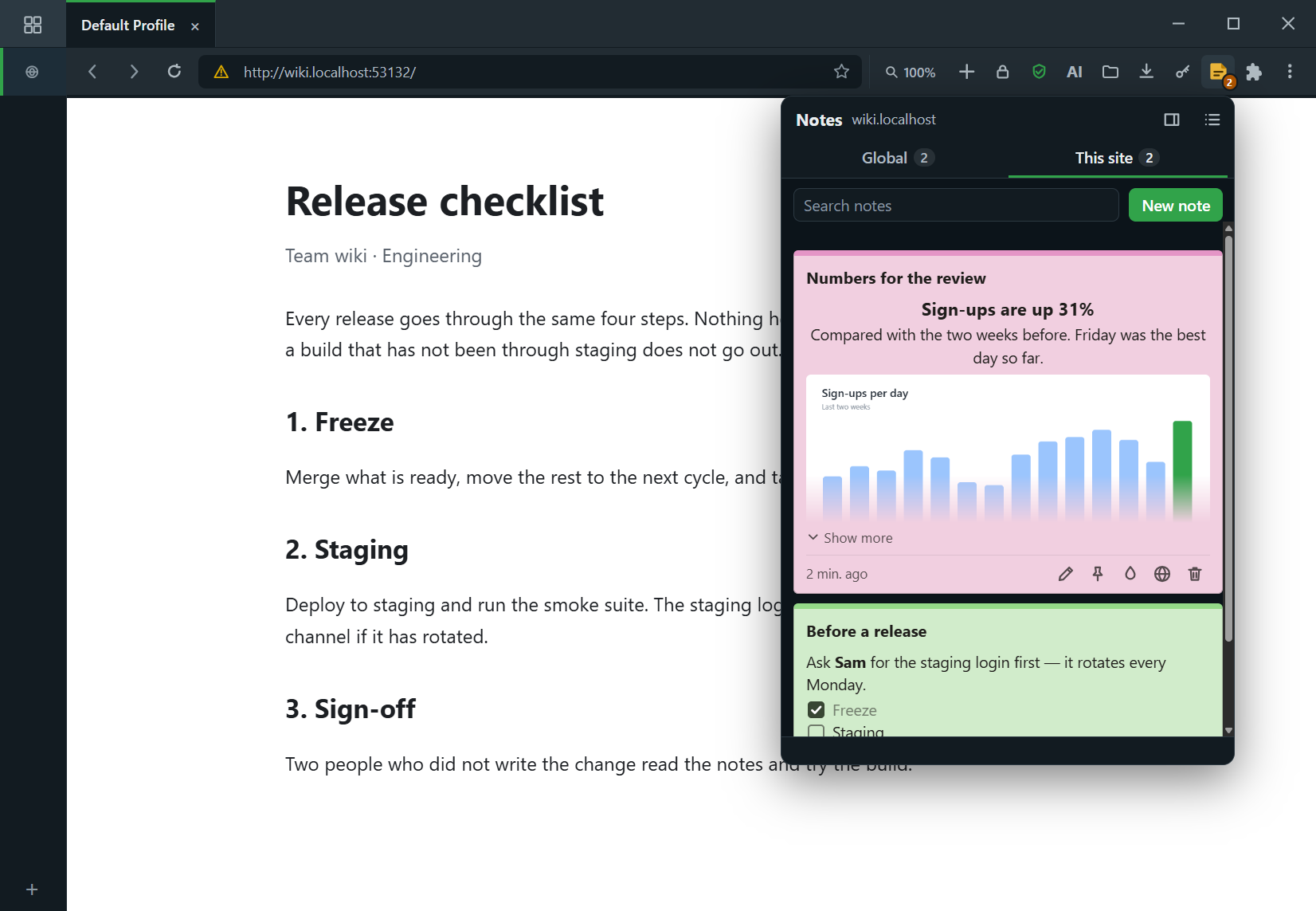
Notes keeps what you need to remember next to the page it is about. • Click the toolbar button for a quick look: one tab for this site’s notes, one for your global notes. Or dock them in the side panel, where they follow the tab you are on. • Notes are coloured sheets, like sticky notes. Read them at a glance; double-click (or press Edit) to change one. • Write with headings, lists, checklists, links and highlights — tick a checklist item without opening the note. • Open any note in the large editor for more room, text alignment and pictures. Pictures are stored inside the note, on your device. • On a site whose domain has notes on other sub-domains, a Domain tab brings them together — on example.com you also see the notes kept on mail.example.com. • Select text on a page, right-click, and add it to a note for that site. • See, search, move and bulk-delete every note from the options page, and export or import them as a file. Everything is stored privately on your device, per profile. It asks for no access to the pages you visit.
This extension can
- Store its own dataKeep the extension's own private data on this device.
- Read your tabsSee your open tabs and windows and when they change.
- Side panelOwn its side-panel surface.
- Context menusAdd items to right-click menus.
You approve each permission on your device when you install — and can revoke any of them later.
Ratings & reviews
No reviews yet. Be the first to review this extension.
More like this

Wikipedia
First-partyGet the summary of a Wikipedia article.
— (0)0 installs
Solar
First-partyA warm, paper-like light theme (Solarized-inspired).
— (0)0 installs
Rose
First-partyA soft light theme with a warm rose accent.
— (0)0 installs
Forest
First-partyA calm green-on-dark theme — the Connect+ default palette.
— (0)0 installs