Passwords & codes
The local, encrypted credential vault — per profile, never synced.
Everything in this chapter lives on your device, encrypted with OS-backed keys. Never uploaded, never synced, no telemetry — and always per profile, so a client profile's logins are invisible to every other profile.
Saved passwords
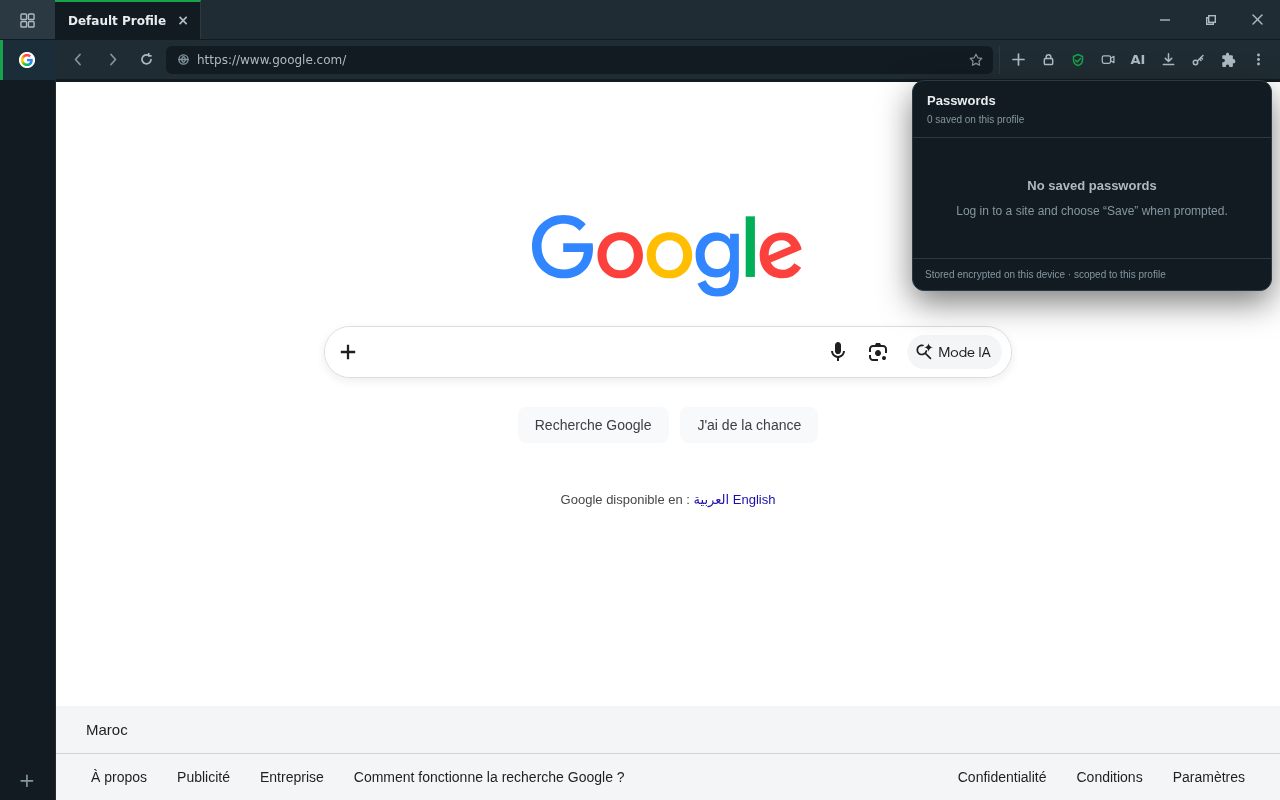
public/docs-img/user-guide/passwords.pngWhen you submit a login, Connect+ offers to save it for that profile. Next visit, the saved credential is offered back on the same site.
- Review, reveal, edit, or delete saved credentials from the toolbar popup.
- Credentials never sync anywhere and are never readable by other profiles.
TOTP 2FA codes
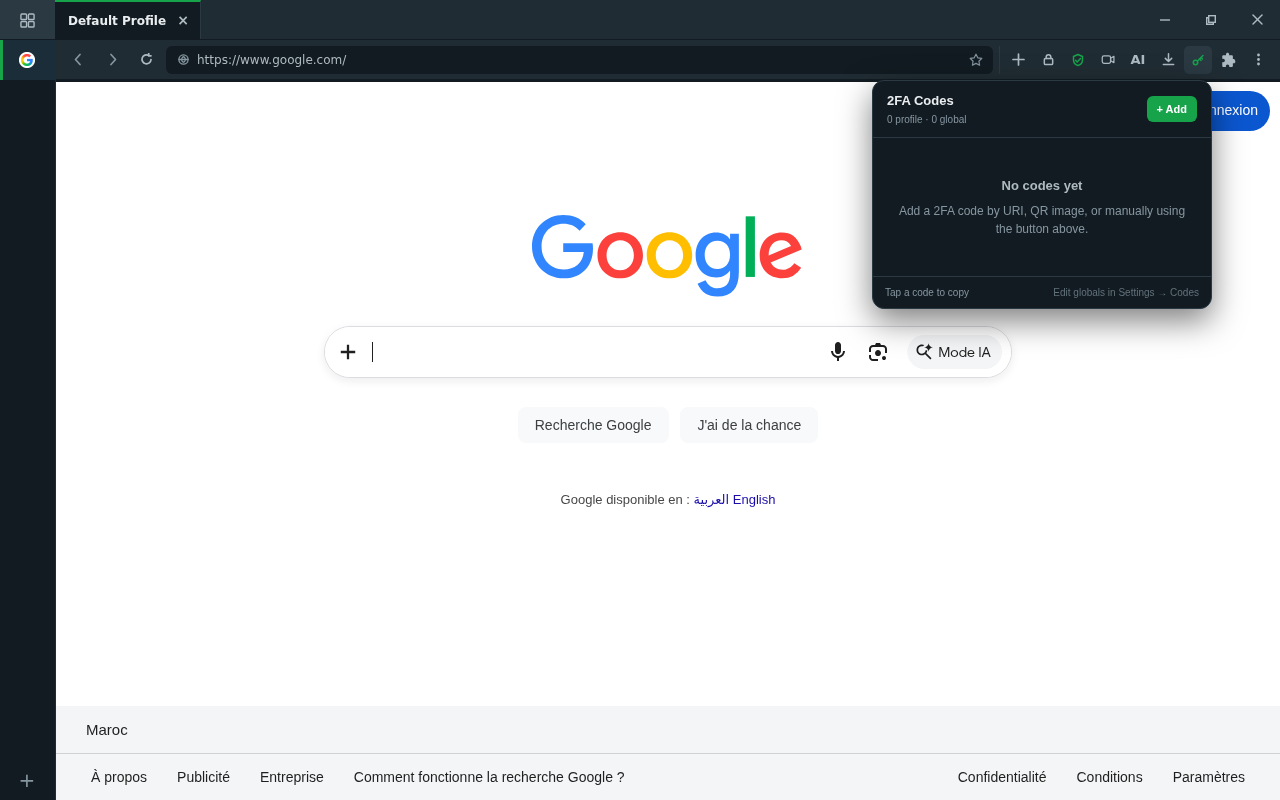
public/docs-img/user-guide/totp.pngConnect+ is also your authenticator. Add a TOTP entry (the same secret you'd put in a phone authenticator app) and the toolbar shows the live 6-digit code — copy it with one click.
- Codes can be per profile (a client's 2FA stays in the client profile) or global (yours, available everywhere).
- Standard TOTP: SHA-1/256/512, 6–8 digits, custom periods — anything a normal authenticator accepts.
Where this is going
Encrypted profile backup & restore (move a profile between machines, with everything it owns) ships in a later campaign round — until then, your vault stays with the install that created it.