Using Connect+
Downloads
Per-profile download rules, the live downloads popup, and where files go.
Per profile, like everything else
Each profile keeps its own download list and its own rules for where files go (profile settings → Downloads):
| Mode | Behavior |
|---|---|
| Ask every time | A save dialog per download (default) |
| Downloads folder | Straight to the OS Downloads folder |
| Custom folder | Straight to a folder you pick |
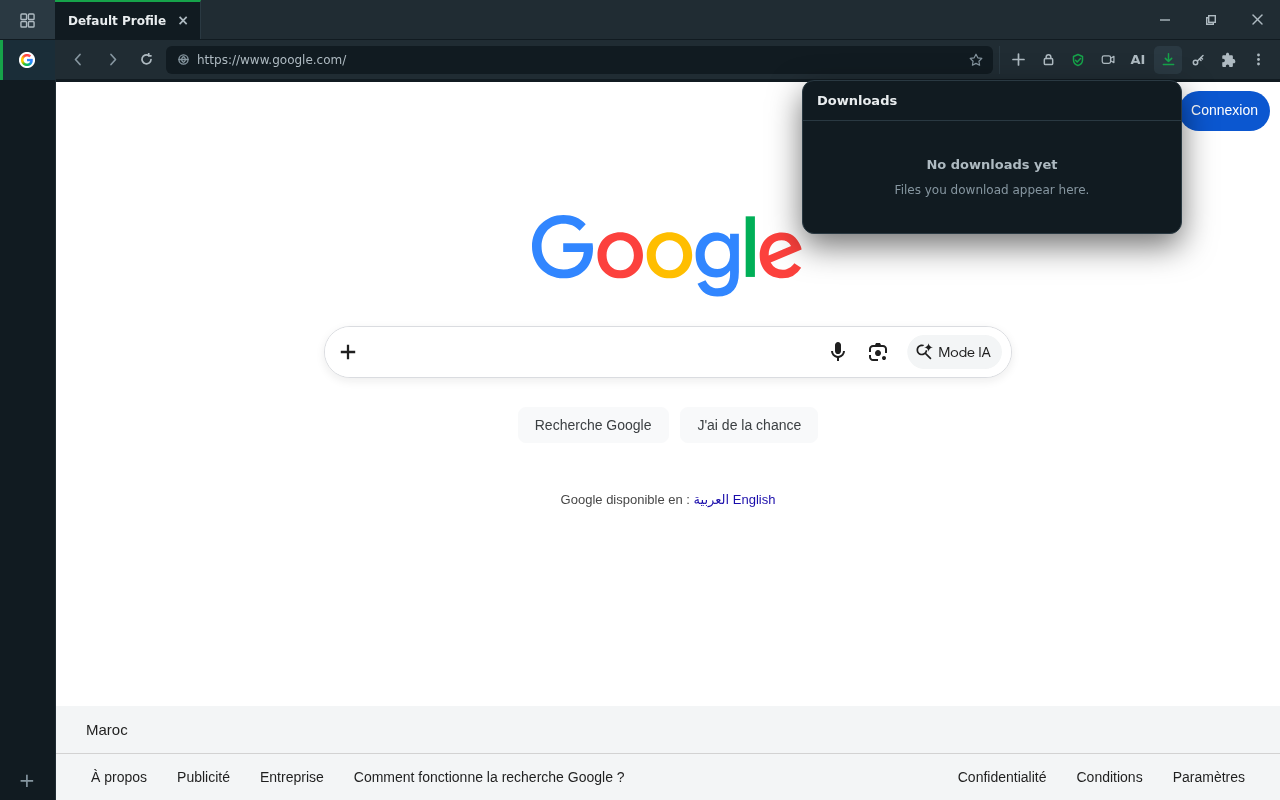
Screenshot
caption: The downloads popup — live progress, per profile.
drop the image at
public/docs-img/user-guide/downloads.pngManaging downloads
- The toolbar popup shows active and finished downloads with live progress; pause, resume, or cancel while they run.
- Open the file or its folder straight from the list.
- The list is part of the profile — a work download never shows up in a personal profile's history.
Where this is going
Downloads run through the multipart accelerator: parallel connections that adapt to the server, resume across interruptions, and show live per-segment progress. Turn it off per profile — or globally — in settings.